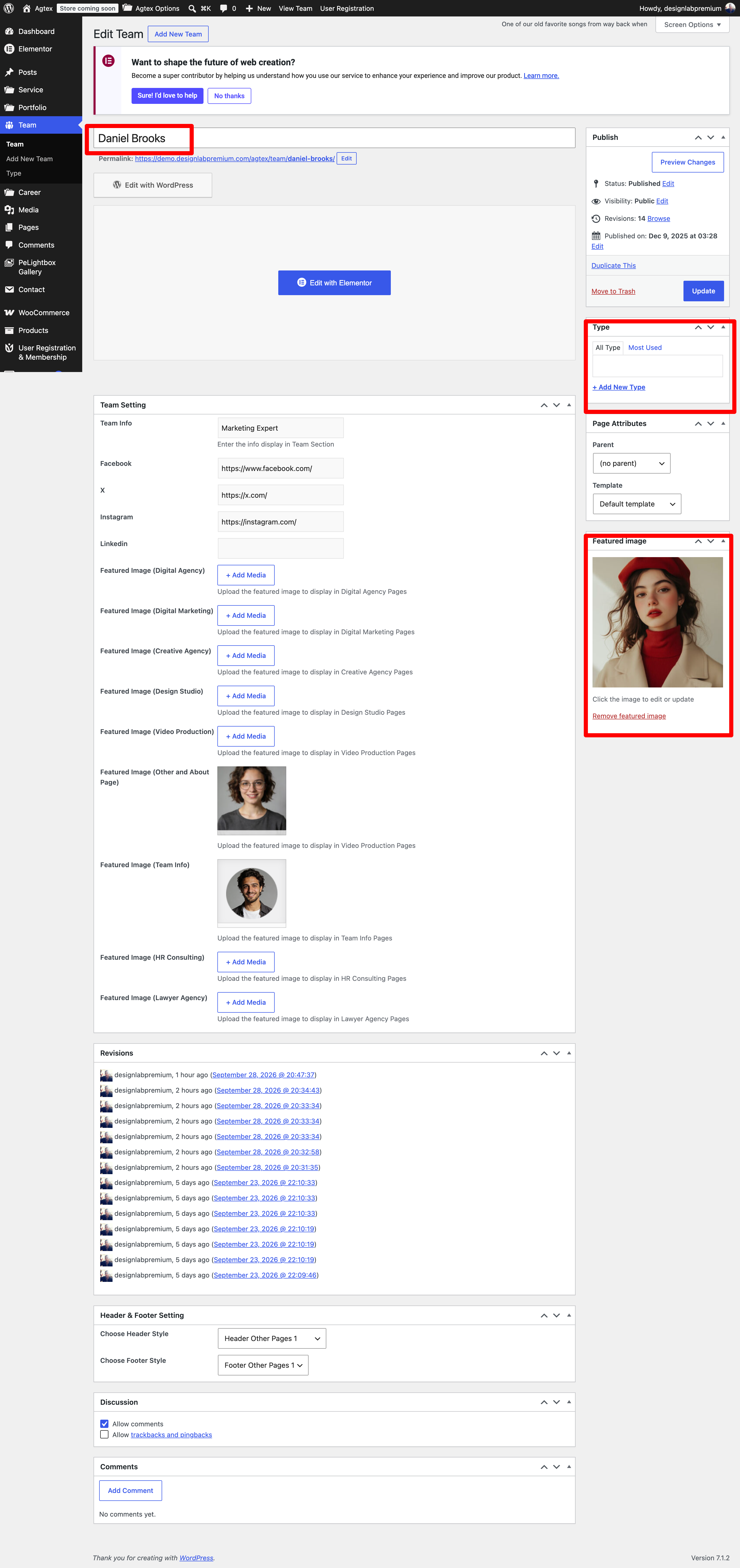
Follow the Steps Below To Create A Team Post
Step 1 – Navigate to Team in your WordPress admin. Step 2 – Click on Add New to make a new Team. Create a title and insert your Team content in the editing field. You can use any of our short code builder elements inside the Team. Step 3 – Add Type from the right side. To assign it to the Team, check the box next to the type name. Step 4 – For a single image, click the first Featured Image Box, select an image and click “Set Featured Image”. Step 5 – Add information. Step 6 – Choose Header and Footer. Step 7 – Once you are finished, click Publish to save the Team.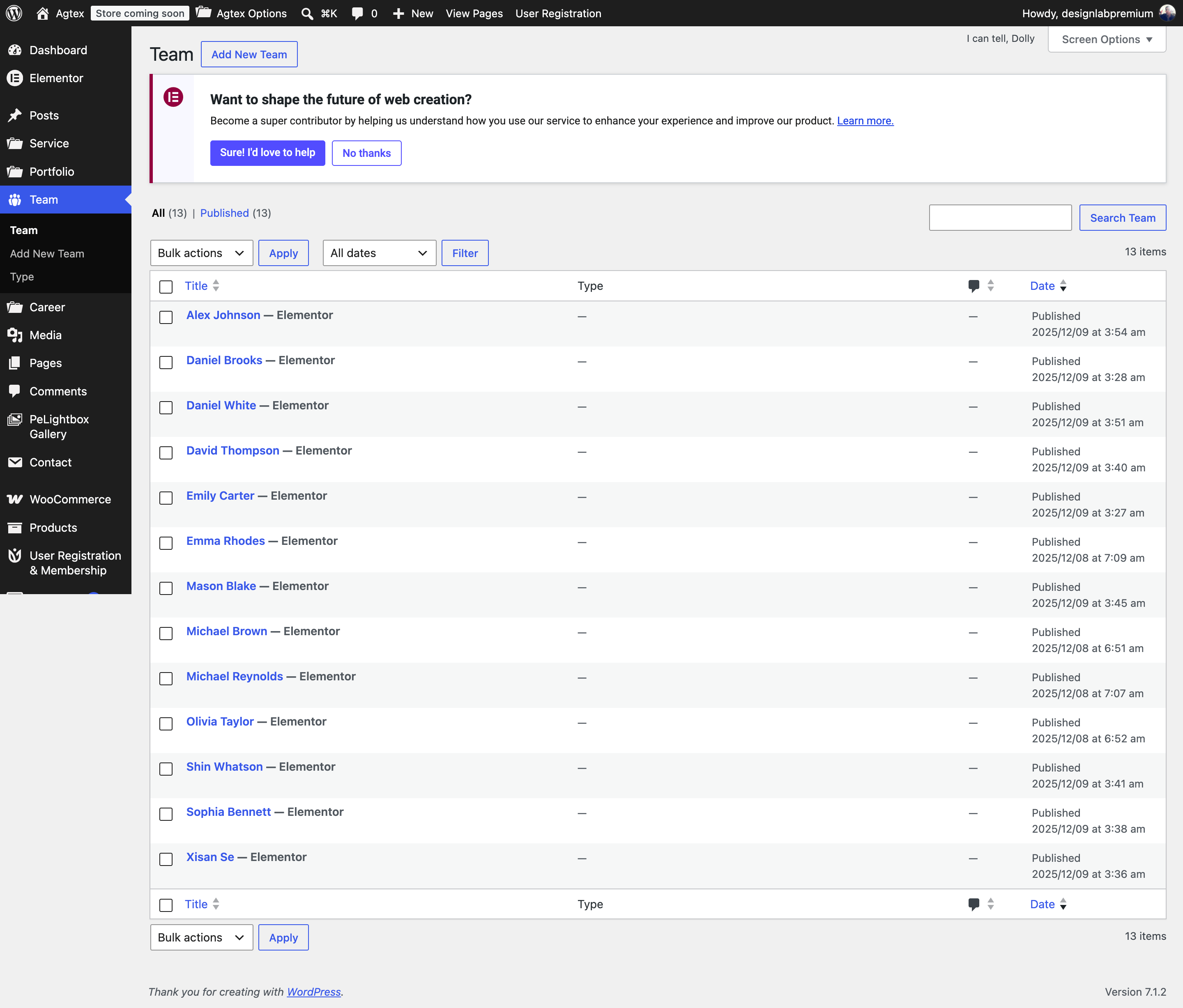
Here Is A Screenshot That Shows The Various Areas Of The Team Post Described Above.