> ## Documentation Index
> Fetch the complete documentation index at: https://docs.designlabpremium.com/llms.txt
> Use this file to discover all available pages before exploring further.
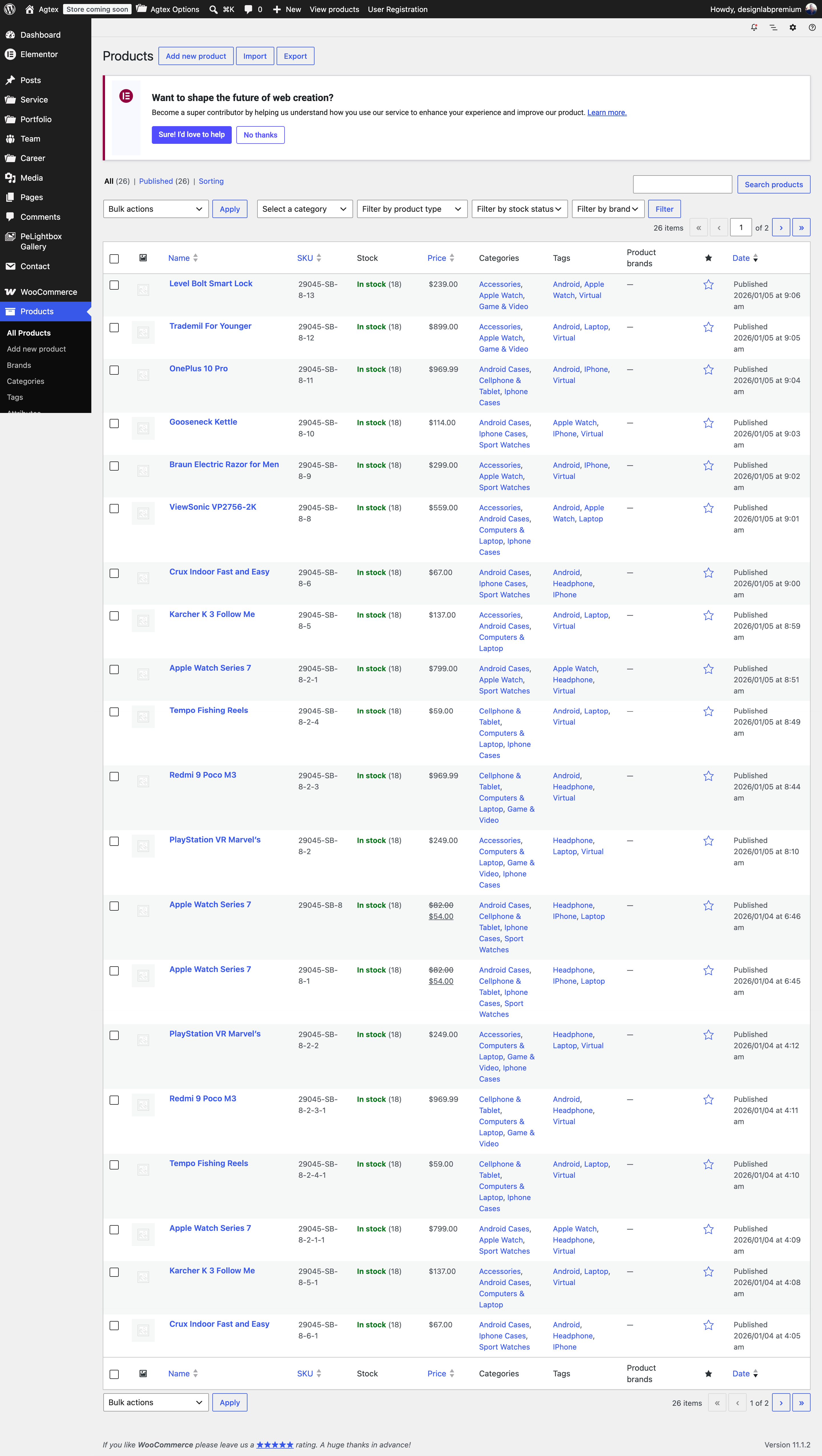
# Creating Product
After you have made your Product page, you need to create Product post so they will show up on the Product pages
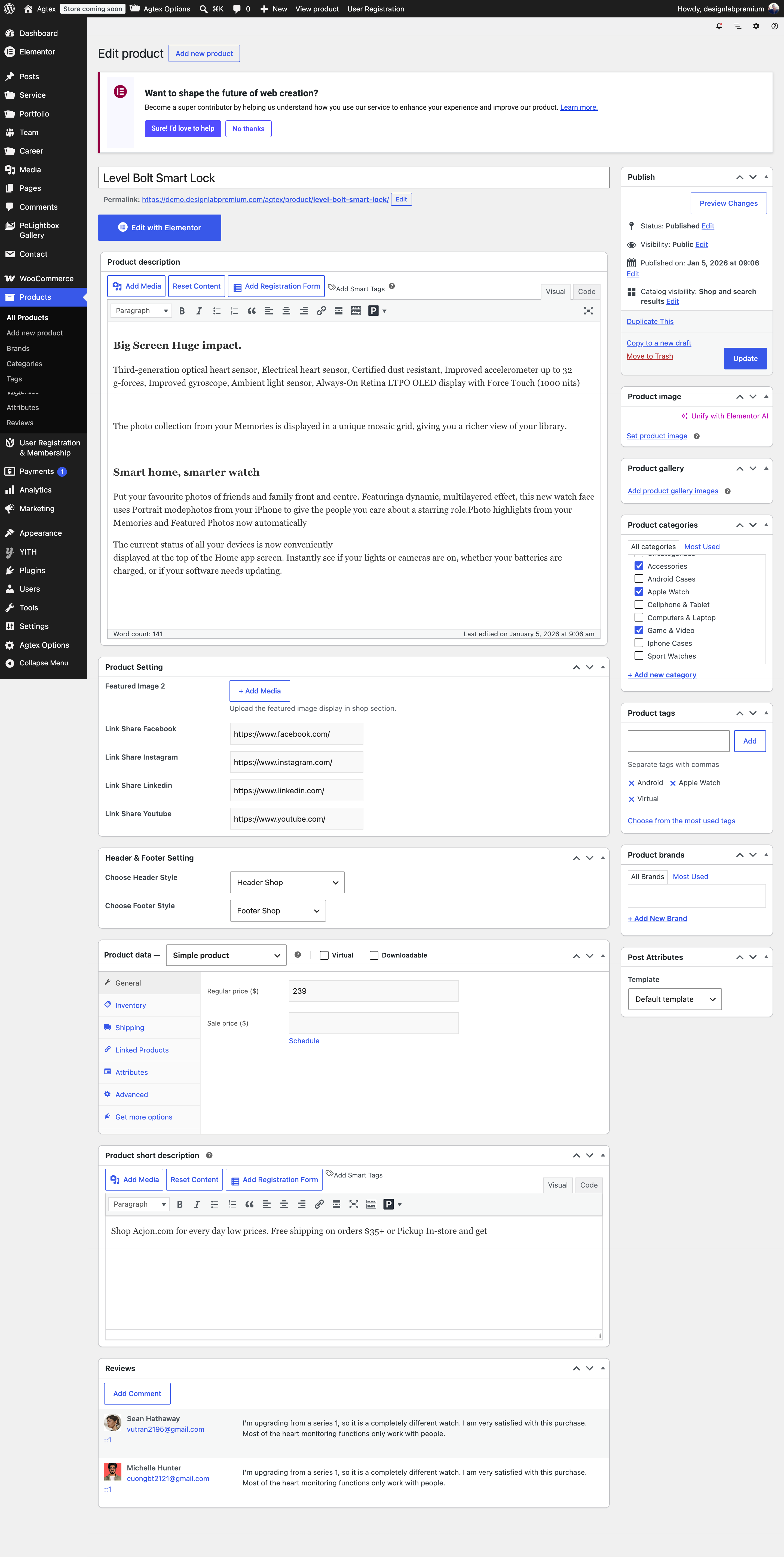
### Follow the Steps Below To Create A Product Post
**Step 1** – Navigate to Product in your WordPress admin.
**Step 2** – Click on Add New to make a new Product. Create a title and insert your Product content in the editing field. You can use any of our short code builder elements inside the Product.
**Step 3** – Add Product Image and Product Gallery from the right side.
**Step 4** – Add Product Categories from the right side.
**Step 5** – Add Product Tags from the right side.
**Step 6** – Add Featured Image and information.
**Step 7** – Choose Header and Footer.
**Step 8** – Once you are finished, click Publish to save the Product.
 ### Here Is A Screenshot That Shows The Various Areas Of The Product Post Page Described Above.
 This documentation is built and hosted on [Mintlify](https://mintlify.com), a developer documentation platform.